




Let’s explore some creative ways to turn one video into 10 posts for social media content because your content should be working overtime—not you. Creating high-quality video content takes time, effort, and, let’s be honest, more takes than most of us would like to admit. If you’ve ever had to repeat the same line five times because your dog barked at a leaf outside, you know the struggle.
Here’s the good news. One video can fuel your entire social media calendar for a week, maybe longer. Smart marketers know that repurposing isn’t just efficient, it’s essential for maximizing reach, engagement, and ROI.
In this guide, I’ll show you how to stretch a single video into ten valuable pieces of content. Whether you are a scrappy solopreneur or managing a growing team, this strategy will save you time, keep your pipeline full, and maybe even free up a Saturday to rewatch some nostalgia TV you once swore you had “outgrown.”
Why Repurpose Video Content?
Repurposing allows you to:
- Extend the lifespan of your content (like leftovers, but better).
- Reach different segments of your audience.
- Optimize for each platform’s quirks (looking at you, vertical video).
- Increase visibility and engagement.
- Save time, money, and a little sanity.
Every platform has its own preferences. TikTok wants short vertical clips. LinkedIn loves carousels. YouTube prefers widescreen commitment. Repurposing means your content shows up everywhere your audience is already scrolling.
How to Turn One Video Into Ten Social Posts
Let’s say you’ve created a five-minute video. It could be a product demo, an interview, or a thought leadership hot take. Here’s how to spin it into gold:
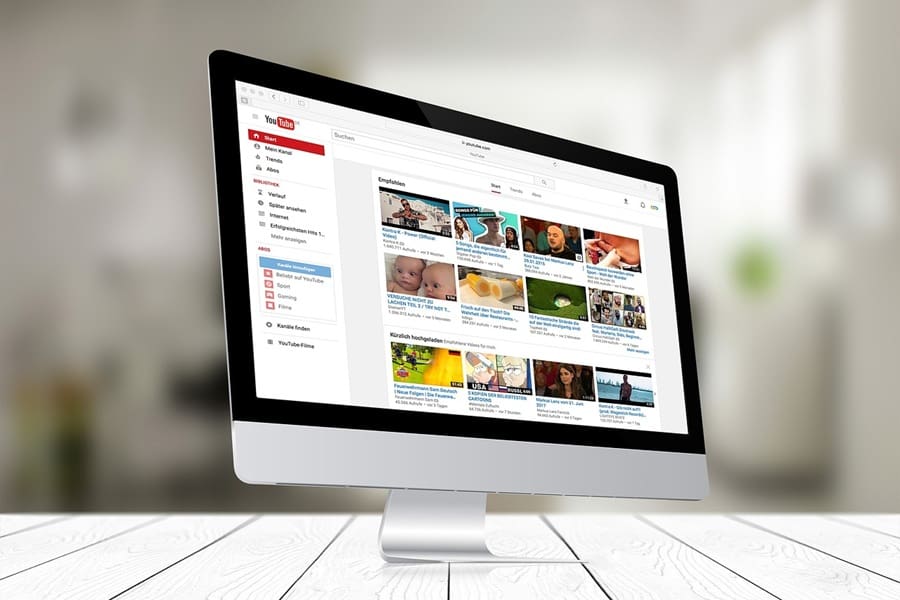
1️⃣ Full Video on YouTube
Upload the original, optimize the title, description, tags, and thumbnail. Think of this as your “director’s cut.”
2️⃣ Short Clips for TikTok or Reels
Cut two or three standout moments. Add captions and music. These are your trailers.
3️⃣ Stories for Instagram or Facebook
Break one segment into three to five slides with polls or Q&A stickers. Great for quick interaction.
4️⃣ Quote Graphic
Pull a strong quote and design it as a branded post for LinkedIn or Instagram.
5️⃣ Carousel Post
Break down the main points of the video across multiple slides. Ideal for saves and shares.

One video can fuel your content engine for days, even weeks, to come.
6️⃣ Text Post or Tweet Thread
Summarize into a short LinkedIn update or a Twitter/X thread. Snackable wisdom for fast scrollers.
7️⃣ Native Uploads
Post shorter clips directly to LinkedIn or Facebook. Native videos always perform better than links.
8️⃣ Behind-the-Scenes (BTS)
Share bloopers or authentic moments. Because nothing builds trust faster than admitting you forgot your line three times in a row.
9️⃣ Blog Post Summary
Turn the video into a blog. Embed it, optimize for SEO, and share it everywhere.
🔟 Email Newsletter Snippet
Feature the video in your next email. Add a short preview with a link to the full version.
Bonus Tip: Automate Where You Can
Tools like Descript, Canva, CapCut, and Repurpose.io make editing and resizing manageable. Schedulers like Buffer, Later, or Hootsuite help you stay consistent without needing to set calendar reminders titled “Post or Perish.”

Consistency Beats Perfection
You don’t need a large team, a giant budget, or a ring light that looks like it could land aircraft. What matters is consistency. Repurposing allows you to keep your message clear while tailoring it to different audiences.
Instead of reinventing the wheel each week, you’re squeezing more value out of the work you’ve already done. Think of it as working smarter, not harder.
Final Word
Repurposing one video into ten assets is a game-changer for busy marketers. One solid video can power your content engine for days, even weeks.
So the next time you finally nail a video on take number twelve, remember this: that single piece of content can carry way more weight than you thought. It just needs a little repurposing magic.




Comments +